Ask how a new guest found you, and the answer is usually "on Google". They searched ramen near me or best brunch, tapped your listing on the map, looked at the photos, checked you were open, and then ordered, booked or walked in.
That listing is your Google Business Profile. It's free, and for most independent restaurants it gets seen far more often than the website does. Yet many profiles have the wrong hours, five-year-old photos and an "Order" button that sends guests to a delivery app. Work through this checklist once, then keep it up to date with a few minutes a week.
Claim and verify your profile
Search for your restaurant on Google Maps. If you see "Own this business?" or "Claim this business", the profile isn't yours yet. Claim it and complete Google's verification. Use a shared business email, not a staff member's personal account, so you never lose access when someone leaves.
Choose the right primary category
Your primary category is one of the strongest signals for which searches you show up in. Be specific: "Italian restaurant" or "Sushi restaurant" beats plain "Restaurant". Add a few secondary categories only if they are true, such as "Takeout restaurant" or "Wine bar".
Get your hours exactly right
Wrong hours are the fastest way to lose a guest and earn a one-star review. Set:
- regular hours for every day, including the days you are closed;
- special hours for bank holidays, Christmas, Thanksgiving and anything else unusual;
- more hours where Google offers them, such as kitchen, brunch, delivery or takeaway times.
Add your menu, as a link and as items
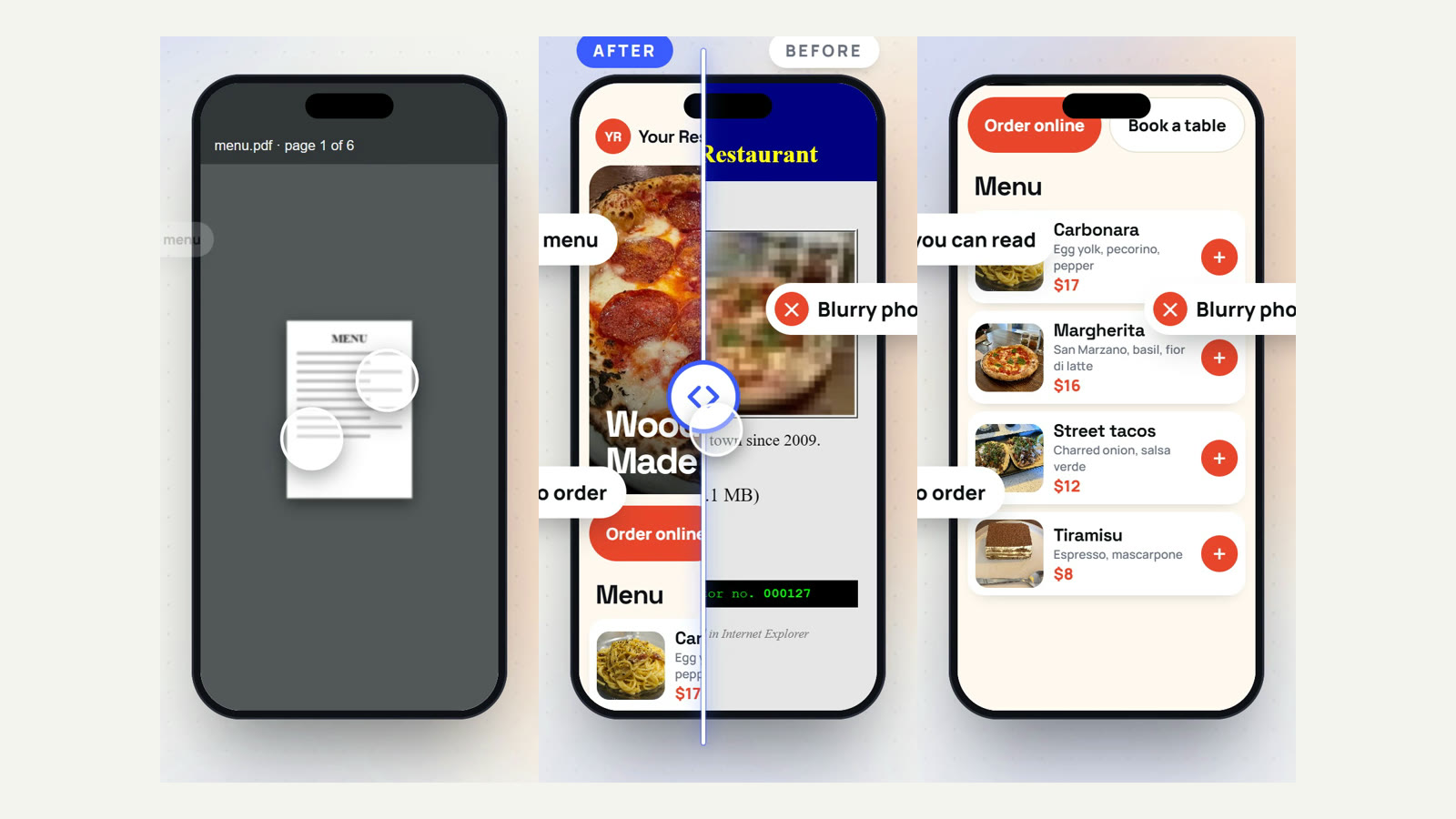
Add a menu link to the menu page on your website, and add your main dishes with prices in the profile itself. A menu written as text on your site helps Google match you to dish searches like pad thai near me; a PDF or a photo of the printed menu does not.
Send the order and booking buttons to your own site
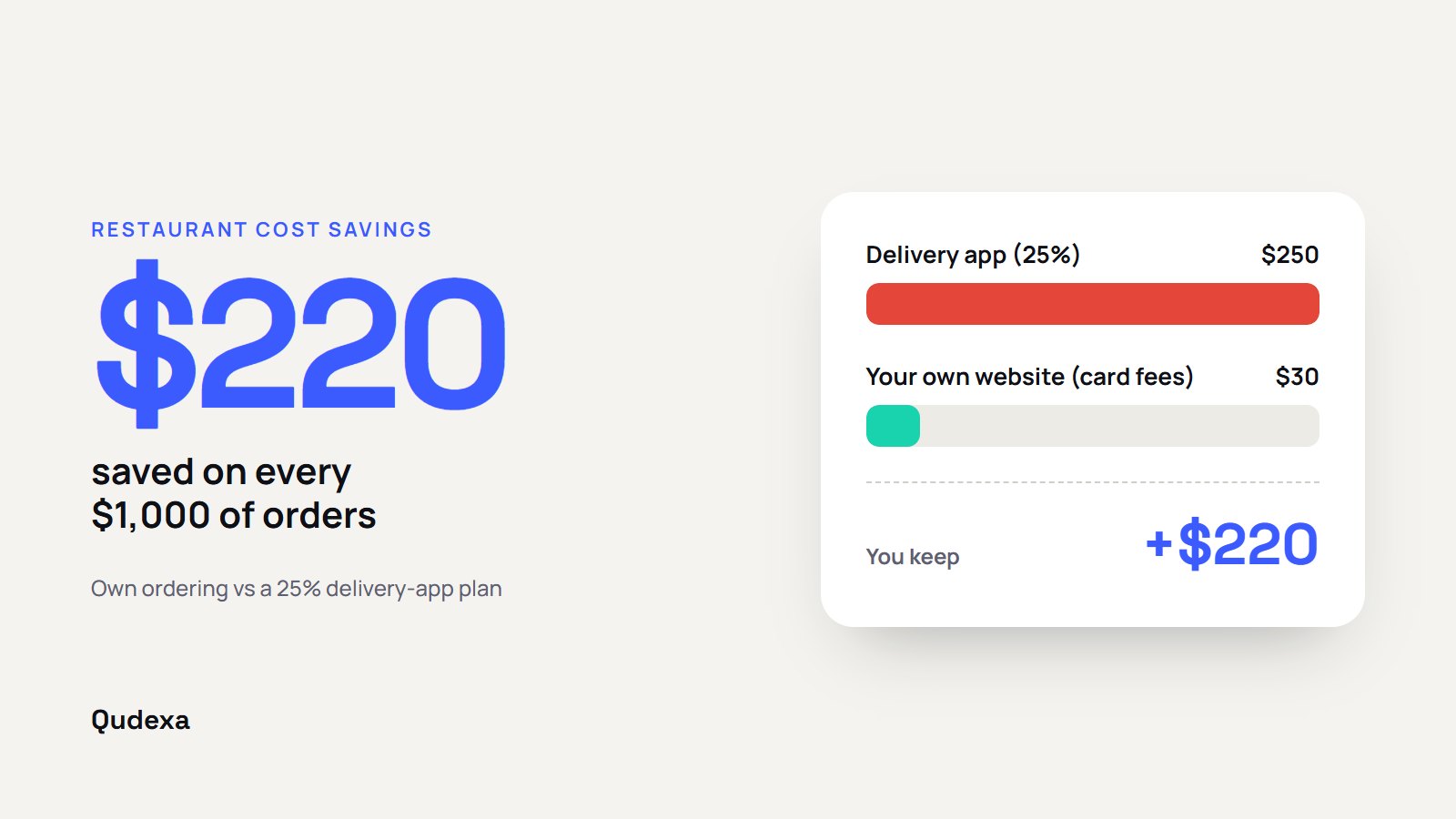
Google can show Order online and Reserve a table buttons on your profile. Often these point to delivery apps or booking platforms that charge commission. Add your own ordering and booking links, and where Google gives you a choice of provider, put your own first. Every order that comes straight to you is an order with no commission taken. We explain the numbers in how to stop losing up to 30% to delivery apps.
Upload real photos, often
Profiles with good, recent photos get noticeably more clicks. Aim for:
- your best dishes, shot in daylight near a window;
- the dining room, so people know what to expect;
- the outside of the building, so they recognise it when they arrive;
- the team, which builds trust faster than anything.
Add a few new photos every month. Guests' photos will appear too, so make sure yours are the good ones.
Fill in the attributes
Attributes are the small labels Google shows and filters on: outdoor seating, vegan options, wheelchair-accessible entrance, good for kids, takes reservations. People filter by these on Maps, so tick every one that is true.
Write a useful description
You have room for a short description of up to 750 characters. Say what you cook, what makes you different, where you are and who you are for, in plain words. Write it for guests, not for search engines.
Reply to every review
Thank people for good reviews, briefly and by name. Reply to bad ones calmly, within a day or two, without arguing; future guests read your reply more than the complaint. Ask happy guests for a review with a link or QR code on the receipt.
Two rules to follow: never pay or reward people for reviews, and never ask only happy guests. Both break Google's policies and can get reviews removed.
Post updates and keep everything consistent
Use updates for a new seasonal menu, an event or a holiday closure; they show on your profile and remind Google you are active. And keep your name, address, phone number and hours exactly the same on your profile, your website, social pages and delivery apps. Mismatches confuse both Google and guests.
Check your numbers once a month
Your profile's performance view shows how many people saw you, called, asked for directions, visited your website or clicked your order button. Note them once a month. If calls are high but website visits are low, your website link or menu may need work.
Your website does the rest
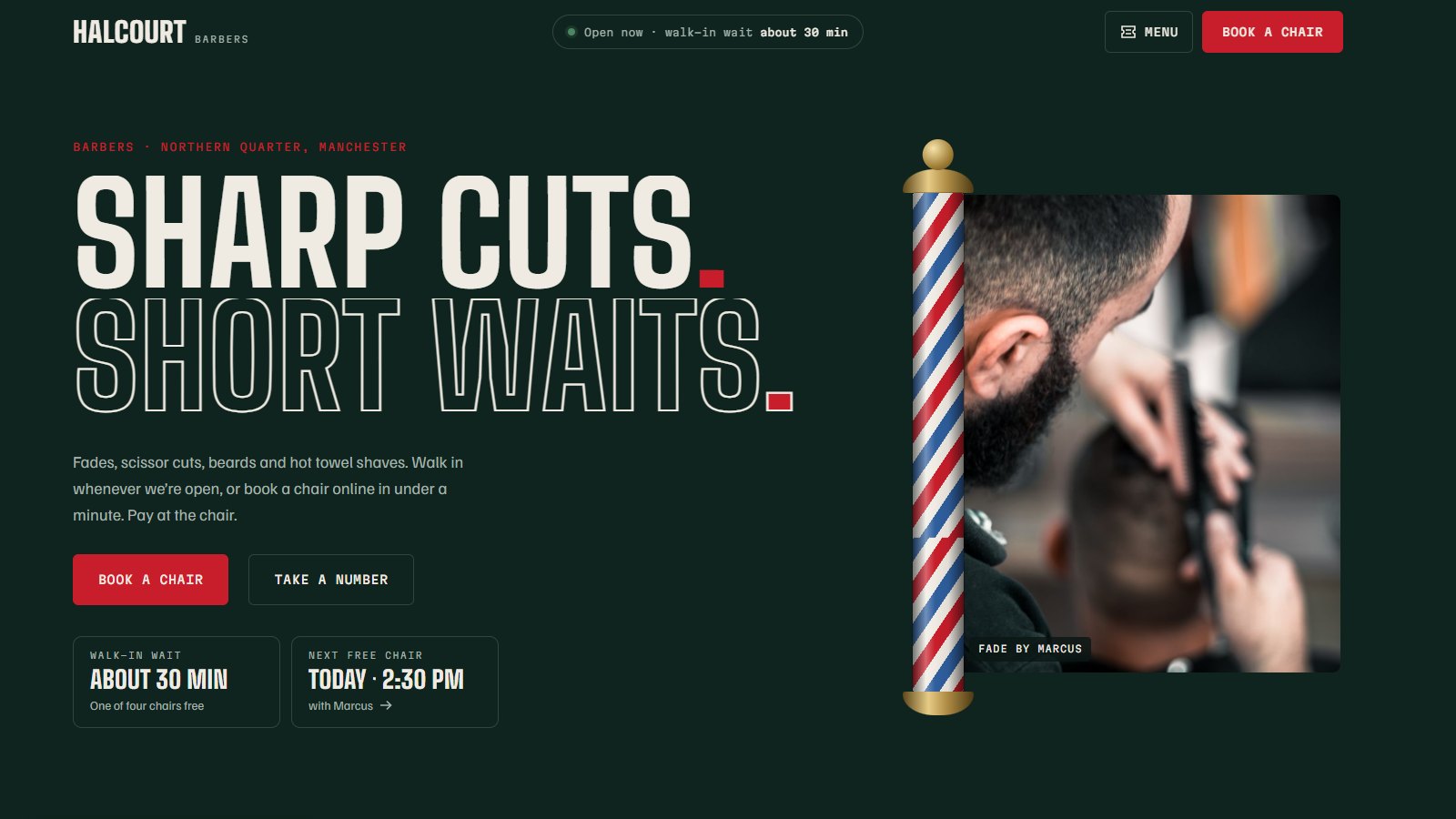
Your Google profile gets people interested; your website closes the deal. It needs a text menu, clear hours, and your own ordering or booking on the first screen. If you need ideas, see our 10 best restaurant website templates for 2026, each one live to click through.
Want us to do it for you?
We build restaurant websites with commission-free ordering and booking, and keep your Google Business Profile up to date every month. Ask for a free audit of your website and Google profile on our restaurants page.