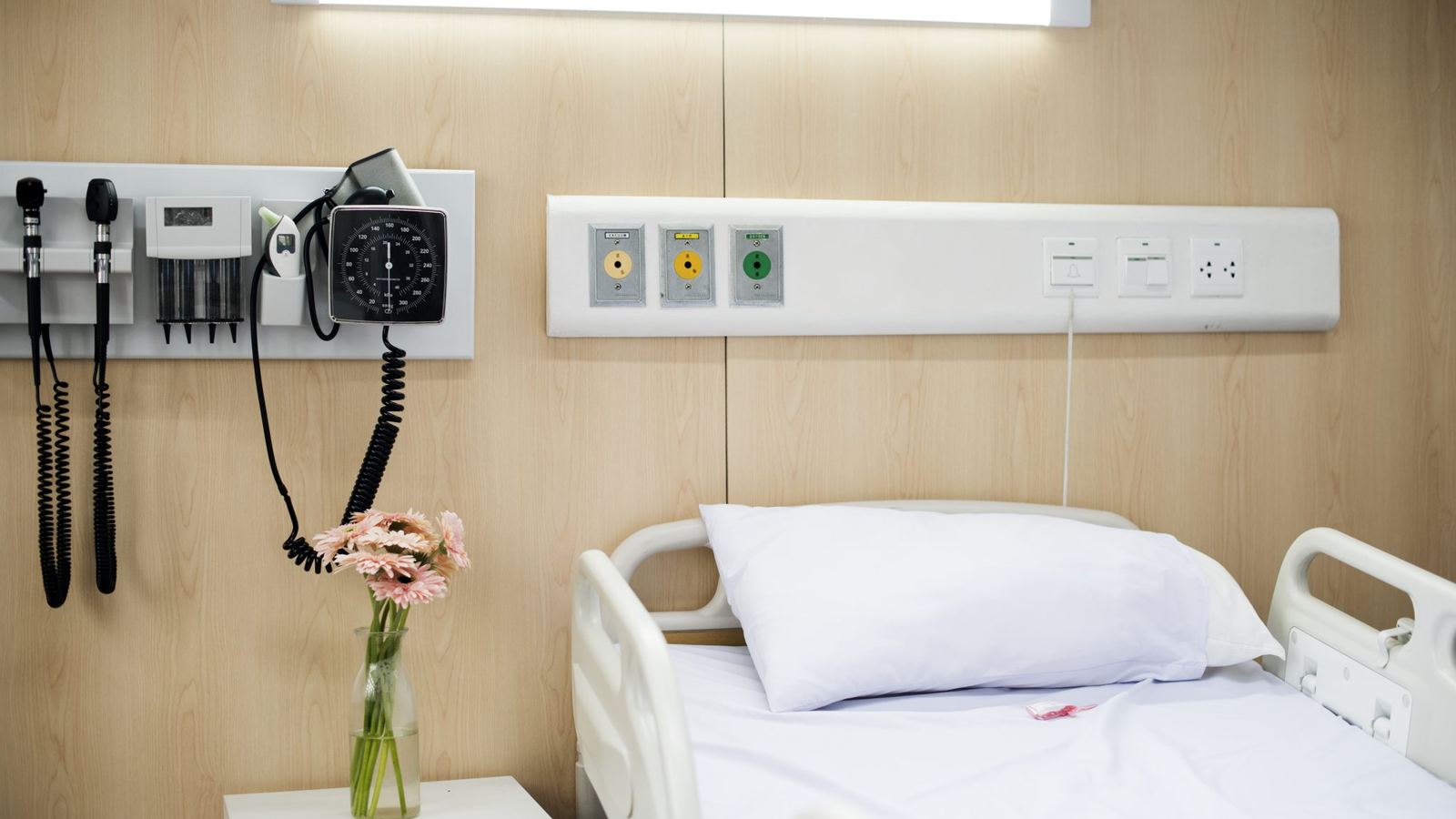
Walk through a mid-sized clinic and you will often see this: patient names go into a notebook at reception, the doctor writes prescriptions on paper, lab reports are typed on a separate computer, and billing runs in Excel. At the end of the day, working out how much came in and how many tests were done takes hours.
Deciding to move to software is easy. The hard part is how to move without patient care stopping for a single day.
Not every department at once
The biggest mistake is switching every department to the new system on the same Monday. Staff are nervous, mistakes happen, and many quietly go back to the notebook.
Go step by step instead. Let each step run for a week or two, and move on once it has settled.
Step one: reception and the queue
Start at reception. When a patient arrives, their name and mobile number go into the system and a token is issued for their doctor. A TV in the waiting area showing the current token cuts both the crowd and the questions.
Everyone sees the benefit of this step straight away, which builds the staff's confidence.
Step two: billing
Once patients are in the system, bill there too: consultation fees, tests, medicines. Record cash, card and mobile payments separately and closing the day takes minutes rather than hours. Require approval for discounts, and there are fewer ways for money to slip away.
Step three: lab and reports
Set each test's reference range once, and the system flags results that are high or low as they are entered. Reports are saved in the patient's record, so at the next visit the doctor sees earlier results side by side.
Later steps: pharmacy, wards, theatre
Then add the pharmacy (stock and expiry dates), in-patient wards and beds, the operating theatre and emergency. Add them at your own pace, and only once the earlier steps are running well.
Training the staff
- Train each role separately. A receptionist needs to know the reception screens, not the whole system.
- Choose a "champion" in each department who learns a little more and helps the others.
- Keep the notebook nearby in the first week, but only as a backup. If people keep writing in both places, nobody gets used to the system.
Plan for internet and power cuts
The internet drops from time to time. Choose a system that keeps working on a weak connection and catches up when it returns. Put a UPS on the reception and billing computers.
Decide who sees what
Patient information is sensitive. Each member of staff should see only what their job needs, and every change should be recorded with who made it and when. Mistakes are easier to trace, and patients trust you more.
How Qudexa HMS helps
Qudexa HMS keeps this whole path in one system:
- Reception, tokens and the waiting-area TV.
- Prescriptions, billing, pharmacy, lab, imaging, wards, theatre, emergency and HR.
- In English and Bangla, on a phone or a desktop.
- Keeps working on a weak connection and catches up on its own.
- Every screen is role-based, and every change is recorded.
- The owner can read collections, bed occupancy and stock reports from a phone.
Start at reception
Not a plan for next month, one task for this week: start issuing tokens at reception. Two weeks later, your staff will be asking what comes next.